Zinc MPP: Let Your Agent Buy Anything Online
We integrated the Machine Payments Protocol so your agent can place orders through Zinc. No account, no API key, no setup required.

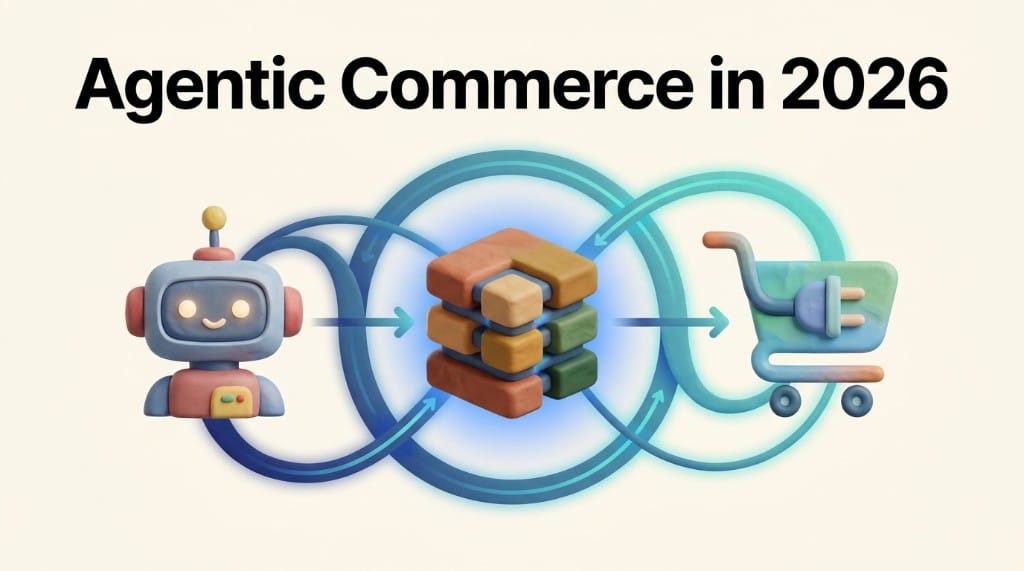
Today we're launching support for the Machine Payments Protocol (MPP), an open standard co-authored by Stripe and Tempo that gives AI agents a native way to make purchases without creating accounts, managing API keys, or navigating checkout flows.
Imagine telling an agent to buy you something. It discovers Zinc, searches for the product, checks prices, and creates a purchase, all through Zinc's MPP integration. No checkout page, no browser automation, no human in the loop.
Agents can't buy things
AI agents can build entire codebases, research any topic in seconds, and write better than most people. But ask one to do something that involves buying a physical thing and it falls apart.
Tell an agent to plan your five-year-old's birthday party. It'll find venues, draft the invite list, suggest a theme, and build you a timeline. But who's buying the party hats? The balloons? The cake? At some point the plan hits a wall because the agent has no way to actually purchase anything.
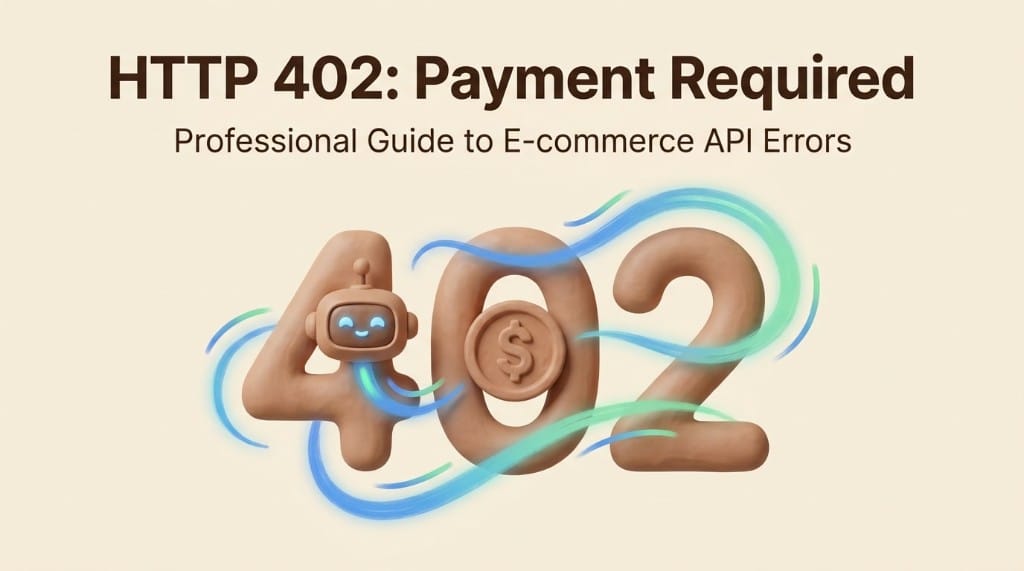
MPP changes that. It embeds payment negotiation directly into HTTP using the 402 status code ("Payment Required"). When an agent hits a 402, it knows what to do: see the price, pay, and get what it asked for. No signup, no dashboard.
Enter Zinc + MPP
Your agent can't buy party hats from Amazon because Amazon doesn't support MPP. But Zinc does.
Zinc is an API for buying things. You give us a product URL and a shipping address, and we place the order on any major retailer. We handle the checkout, the payment to the retailer, the shipping, and the tracking. Until now, that required a Zinc account and API keys, which meant a human had to set things up first.
With MPP, your agent can go from "I need to buy party hats" to a placed order without any prior setup. It finds the product, sends a request to Zinc, pays inline, and the order is placed. Zinc handles everything from there: purchasing from the retailer, shipping, tracking, and delivery. The agent gets back an API key tied to its wallet that works across all of Zinc's endpoints, so it can track the order, place more orders, and operate just like any other Zinc customer.
No account creation. No key management. No pre-configured billing. The agent that planned the birthday party can now actually throw it.
How it works
The agent runs a single command using the Tempo CLI, passing the order details to Zinc's MPP endpoint:
tempo request -X POST \
  --json '{
    "products": [{ "url": "https://www.amazon.com/dp/B0EXAMPLE", "quantity": 1 }],
    "max_price": 2499,
    "shipping_address": {
      "name": "Jane Smith",
      "address_line1": "123 Main St",
      "city": "Seattle",
      "state": "WA",
      "postal_code": "98101",
      "country": "US",
      "phone": "2065551234"
    }
  }' \
  https://api.zinc.com/agent/orders
Under the hood, Tempo sends the request to Zinc. Zinc doesn't see any payment yet, so it responds with a 402 containing the price and accepted payment methods:
HTTP/1.1 402 Payment Required
Content-Type: application/json
WWW-Authenticate: stripe realm="zinc" charge="..." amount="25.99" currency="usd"
WWW-Authenticate: tempo realm="zinc" charge="..." amount="25.99" currency="usd"

{
  "error": {
    "code": "payment_method_required",
    "message": "Payment required",
    "details": {
      "methods": [
        {
          "method": "stripe",
          "intent": "charge",
          "amount": "25.99",
          "currency": "usd"
        },
        {
          "method": "tempo",
          "intent": "charge",
          "amount": "25.99",
          "currency": "usd"
        }
      ]
    }
  }
}
Tempo sees the 402, pays 25.99 USDC, and resubmits the request with a payment credential. Zinc verifies the payment and confirms the order:
HTTP/1.1 201 Created
Content-Type: application/json
X-Api-Key: zn_live_abc123...
Payment-Receipt: tempo receipt=...

{
  "id": "3f2b8c7e-1a4d-4e6f-9c2b-5d8a3f1e7b9c",
  "status": "in_progress"
}
The X-Api-Key in the response is a persistent key tied to the agent's wallet. The same wallet always gets the same key, so the agent can use it to check order status and interact with Zinc's other endpoints just like any API customer:
curl https://api.zinc.com/orders/3f2b8c7e-1a4d-4e6f-9c2b-5d8a3f1e7b9c \
  -H "Authorization: Bearer zn_live_abc123..."
Try it
We built an interactive MPP playground where you can place a real order using Tempo stablecoins. Pick a cheap item, pay, and watch the order go through. Stripe support is coming soon.
For full integration details, request schemas, and response examples, check out the MPP documentation.
If you have feedback or ideas, reach out at machine-payments@zinc.com.